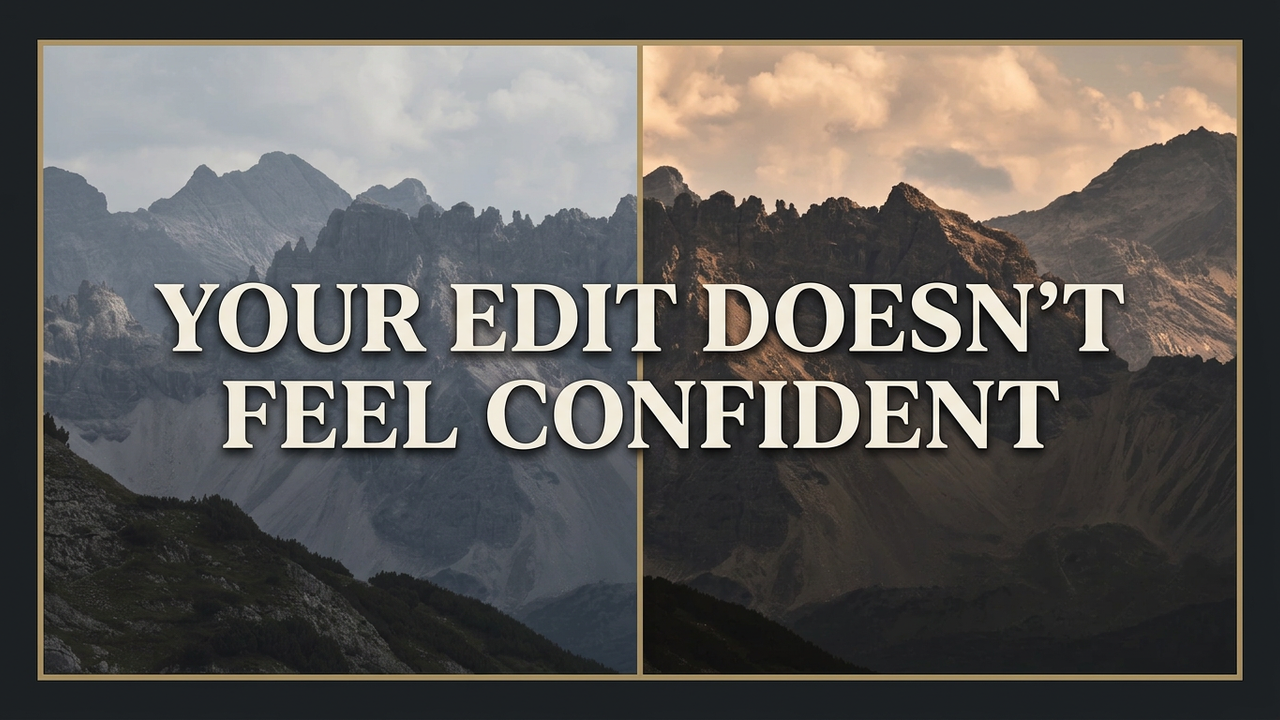
Why Does My Landscape Photo Look Flat?
You open the RAW file. And the first thought that hits is: "Ugh, I messed this up."
The mountain ridge is dull, blue-gray. There's no separation between rock and sky — none of the mood you stood there and felt. So you assume the problem is the file. Maybe the settings. Maybe you should've bracketed differently.
But that thought isn't really about your camera settings. It's stage one of a spiral almost every serious landscape photographer goes through — and it usually ends with you closing the laptop, feeling a little less like a real artist than when you sat down.
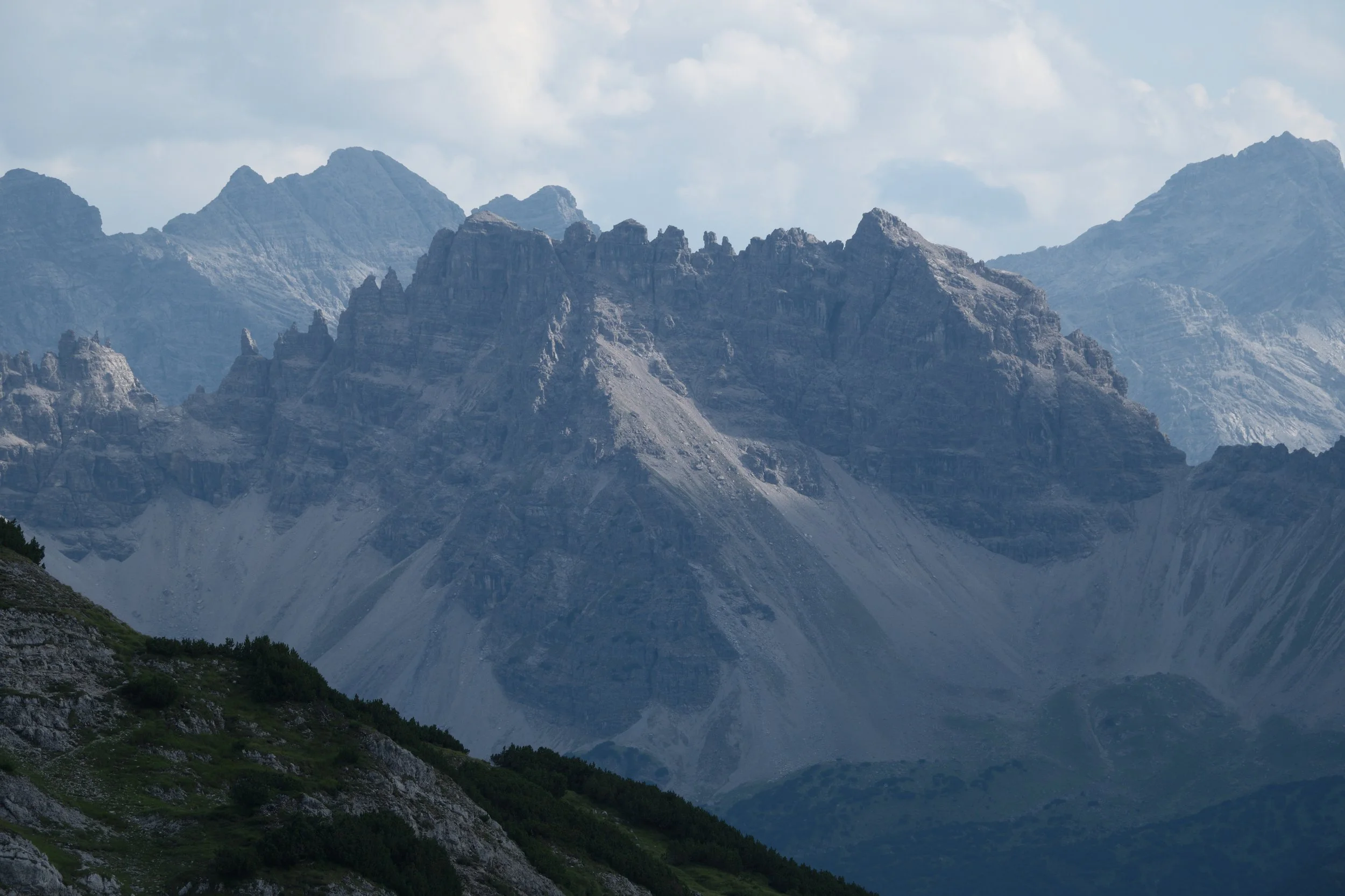
RAW file - Flat and uninspiring
The Three Stages of a Flat Edit
Stage one: you blame the image. "Why is it so flat? Why is it so boring? I must have messed up the settings." So you start pulling sliders — contrast up, clarity up — hoping something clicks. Nothing clicks the way it did in your head.
Stage two: you compare. "How did that photographer get that look? Why can't mine look like theirs?" You find their preset. You follow their tutorial, step by step. It works on their file. Not yours. You can follow along — you just can't repeat it on your own images.
Stage three: you avoid. "I'm tired of this. Let's try another time." The laptop closes. The hard drive fills up with unfinished edits. What started as a technical frustration slowly becomes something bigger — self-doubt. "Maybe I'm just not at that level."
Why More Tutorials Don't Fix a Flat Edit
Here's the part that sounds counterintuitive: pulling contrast, warmth, and a curve on a flat file doesn't fix it — not reliably, not repeatably. It's tempting to think a flat landscape photo just needs the right slider combination. But if that were true, tutorials would have solved this years ago.
I know because I hit this exact wall — even with expert guidance. I spent a full year in private, one-to-one mentorship. Real investment, real access to real expertise. Yet halfway through, I outgrew the parts that were working. The one thing I actually needed — the bridge between what I felt in the field and what I could produce at the desk — was never taught. Not by the mentor. Not by any tutorial since.
So even with genuinely good guidance, the wall stayed exactly where it was.
The Real Reason Your Landscape Photos Look Flat
The conclusion most photographers land on — "maybe I'm just not at that level" — is the wrong one.
The problem was never your eye. It was never having a process that matched it.
And it was never a knowledge gap. It was a missing process. I had to build mine from scratch — drawing on 25 years in Visual Effects, understanding photorealism and how to recreate reality convincingly, combined with years of trial and error rebuilding my whole approach in Capture One.
Once that process existed, the same flat file changed completely. Not because I found a magic slider combination, but because every move had a reason: contrast to bring back the mood that was actually there in the light, warmth to match what the light genuinely felt like standing in front of it, a controlled push so nothing gets pushed too far.
That's the difference between hoping something works, and knowing what an image needs.
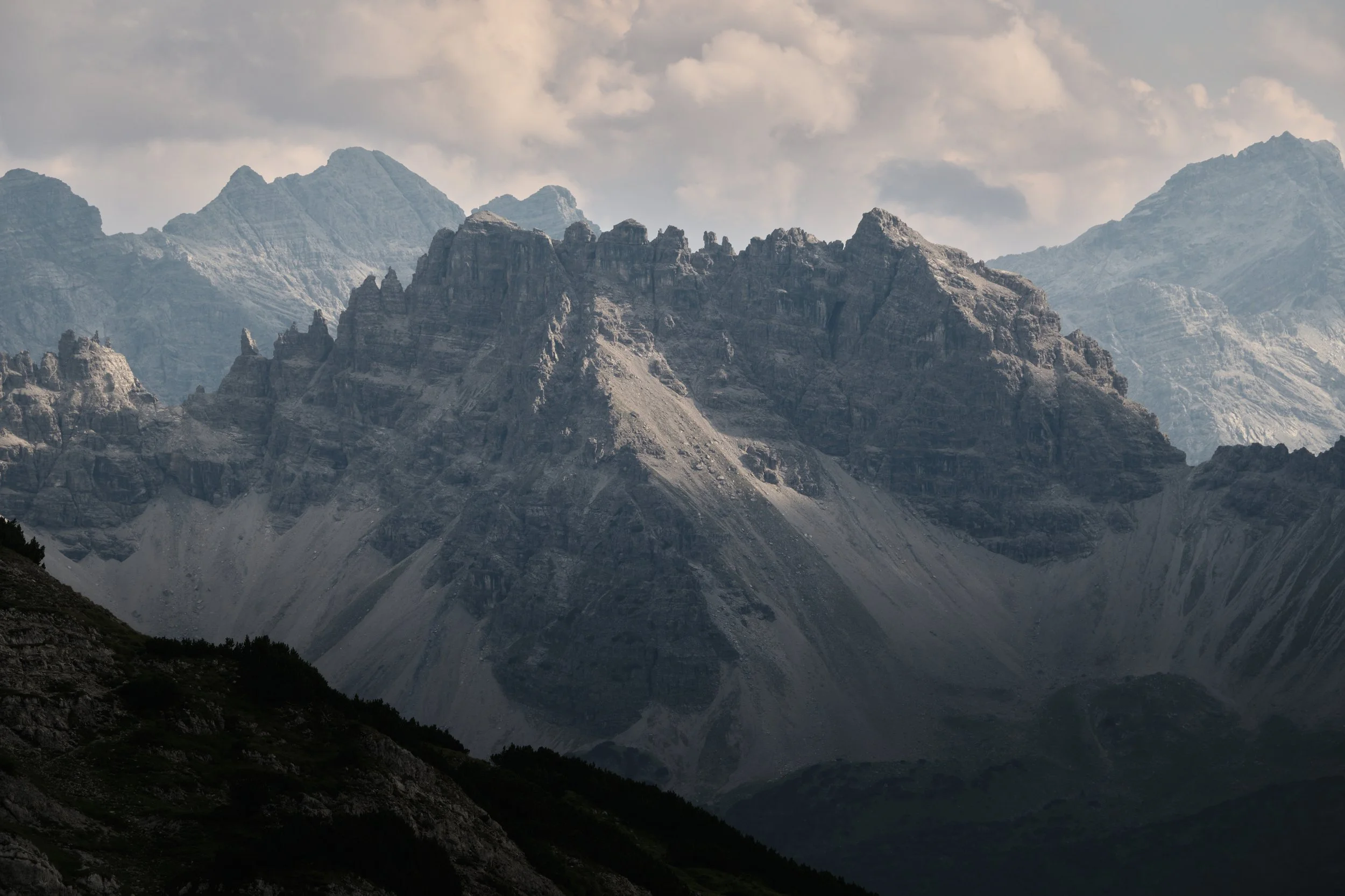
Edited reactively - good but not great
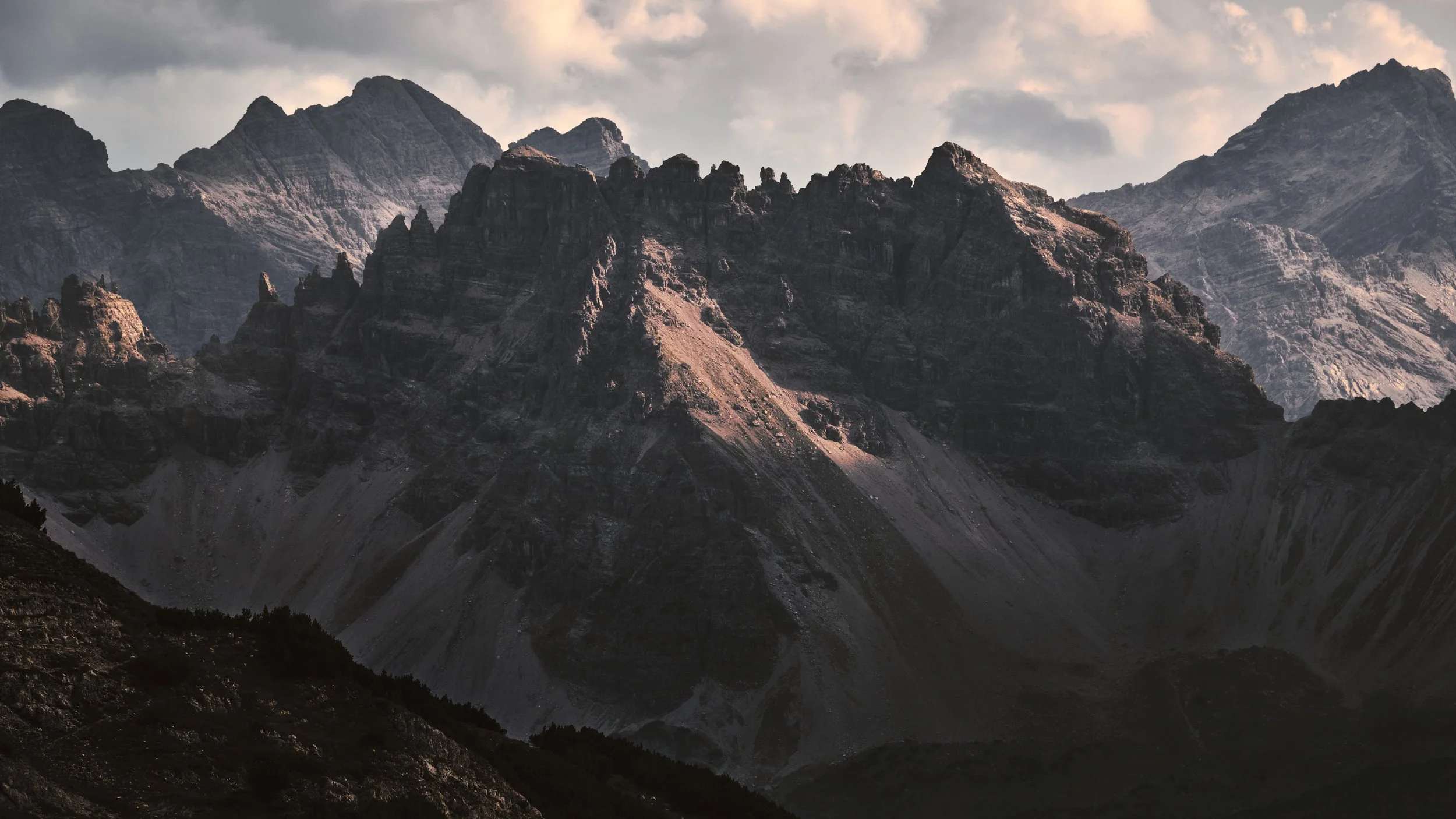
Edited intentionally - The difference is huge!
Where to Start
If your landscape photos keep coming out flat, the fix isn't another tutorial or another preset pack. It's catching the problem before you even touch a slider — asking the right questions about the image first, so the editing has direction instead of guesswork.
That's exactly what Before You Touch a Slider — The 3 Questions That Change Every Edit walks you through. It's a free video and PDF desk reference built for this exact moment — the one where you're staring at a flat file wondering what went wrong.
[Internal link suggestion: link to your "Switcher's Perspective" post once written, and to your Coaching page]